
Most people use AI like a vending machine.
They type “write a blog post about X,” wait a few seconds, and get back a generic article that sounds like every other article on the internet.
The problem is not AI.
The problem is the instructions.
AI can write faster than any human. But it cannot read your mind. It does not know your audience, your brand voice, your unique angle, your product, or the exact outcome you want from the article.
That is what an AI content brief is for.
In this guide, you’ll learn:
- The difference between an AI prompt and an AI content brief
- Exactly what to include before AI writes a single word
- A copy-and-paste AI content brief template
- Common mistakes that lead to bland, inaccurate AI content
- How to turn the process into a repeatable content workflow
By the end, you’ll have a simple system for getting AI drafts that need editing, not rescuing.
Prompt vs. Content Brief: What’s the Difference?
A prompt is a single instruction.
A content brief is a complete blueprint.
Here’s the difference:
| Prompt | Content Brief |
|---|---|
| “Write a blog post about AI content briefs.” | “Write a 1,500-word guide for content marketers who use AI but get generic drafts.” |
| Tells AI what to write about | Tells AI who it’s writing for, why, how, and what to include |
| Produces a generic draft | Produces a draft aligned with your goals |
| Requires heavy editing | Requires targeted editing |
Think of it this way:
A prompt tells AI the destination.
A content brief gives it the map, the vehicle, the route, the driving rules, and the reason for the trip.
If you want usable AI content, stop thinking like a prompt engineer and start thinking like a content strategist.
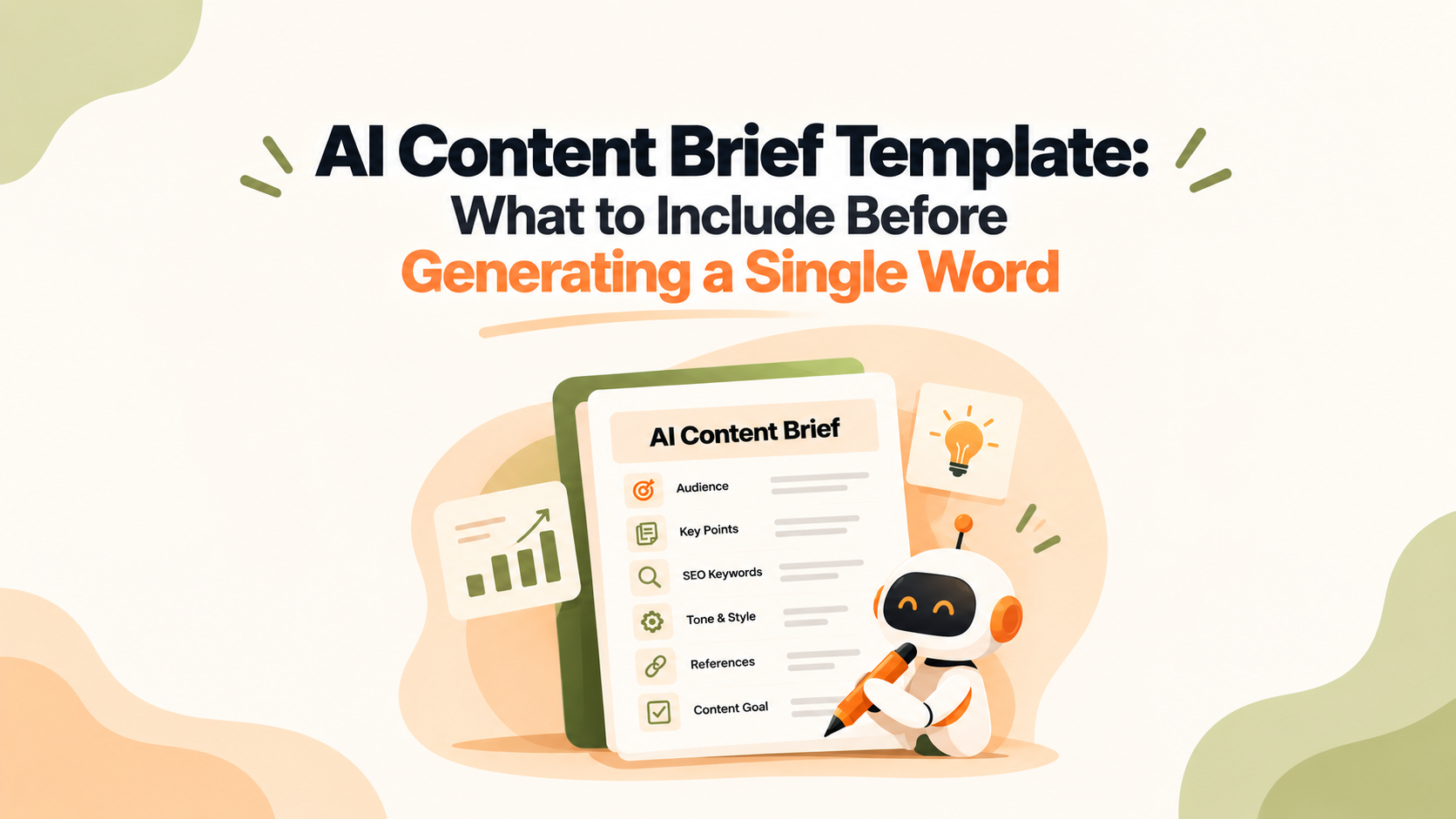
The AI Content Brief Template
Here’s a template you can copy into Notion, Google Docs, or your project management tool.
textWORKING TITLE:
[Your draft headline]

ANGLE:
[One sentence: What specific point will this article make?]

PRIMARY KEYWORD:
[Main target keyword]

SECONDARY KEYWORDS:
[Related keywords and variations]

SEARCH INTENT:
[Informational / commercial / transactional]
[What does the searcher want to learn, compare, or do?]

TARGET READER:
Who they are:
What they already know:
What they want to achieve:
Their biggest frustration:
What they should be able to do after reading:

CONTENT GOAL:
[Rank in Google / educate / generate leads / support a purchase decision / build authority]

FORMAT:
[Blog post / guide / comparison / landing page / FAQ]

WORD COUNT:
[Target range, such as 1,500–1,800 words]

STRUCTURE:
H1:
H2: [Section name]
- Point to cover
- Point to cover
H2: [Section name]
- Point to cover
- Point to cover
H3: [Subsection, if needed]

MUST INCLUDE:
- [Specific examples, frameworks, product details, objections, or insights]
- [Original data, customer quotes, or first-hand experience]

FACTS AND SOURCES:
- [Claim] + [Source URL]
- [Claim] + [Source URL]

TONE AND STYLE:
[Example: Clear, conversational, practical, expert but not academic]
Reading level:
Use contractions: yes / no
Point of view: first person / second person / third person
Words and phrases to avoid:
Reference writing sample:
[Paste 3–5 sentences that sound like your brand.]

DO NOT INCLUDE:
- [Clichés]
- [Unverified claims]
- [Competitor mentions]
- [Formatting or language you do not want]

INTERNAL LINKS:
- [Anchor text] → [URL]

EXTERNAL LINKS:
- [Authoritative source] → [URL]

CALL TO ACTION:
[What should the reader do next?]

OUTPUT REQUIREMENTS:
Format: Markdown / HTML / Google Docs
Include: Meta title, meta description, image alt-text suggestions
Deadline:
Now let’s break down each section.
1. Start With a Specific Angle
“AI content briefs” is a topic.
It is not an angle.
An angle is the specific argument or perspective your article will take.
Without an angle, AI gives you the most obvious, safest version of the topic. That usually means a generic listicle with no point of view.
Weak angle:
Write about AI content briefs.
Strong angle:
Explain that AI content quality depends on brief quality, then give marketers a repeatable template they can use before generating a draft.
Your angle should answer three questions:
- What is the main claim?
- Why should someone read this article instead of another one?
- What will the reader walk away with?
One sentence is enough.
For example: “This article argues that a structured brief is the difference between an AI draft you can use and an AI draft you have to rewrite.”
2. Define the Reader, Not Just the Audience
“Marketers” is too broad.
“Content marketers at B2B SaaS companies” is better.
But even that is not enough.
AI writes better when you describe a real person with a real problem.
Instead of this:
Audience: Content marketers
Write this:
The reader is a content manager at a B2B SaaS company. They understand SEO basics, but they are under pressure to publish more content without lowering quality. They have tried AI writing tools, but the drafts feel generic and require too much editing.
Include:
- Their role
- Their knowledge level
- Their goal
- Their main frustration
- The action they should take after reading
This one section can transform your output.
Why?
Because AI needs to know whether it is explaining a concept to a beginner or giving an advanced practitioner a faster workflow.
3. Identify Search Intent Before Writing
Search intent tells you why someone typed the query into Google.
For “AI content brief template,” the searcher probably wants:
- A ready-to-use template
- A clear explanation of what belongs in the brief
- Practical advice they can apply immediately
So the article should be instructional, scannable, and example-driven.
Not theoretical.
Not overly academic.
Here are the main types of search intent:
| Intent | Reader Goal | Best Format |
|---|---|---|
| Informational | Learn how something works | Guide, tutorial, explainer |
| Commercial | Compare options | Comparison post, buyer’s guide |
| Transactional | Buy or sign up | Product or landing page |
| Navigational | Find a specific brand or page | Brand page, help doc |
Tell AI the intent in plain language.
For example:
Search intent: Informational. The reader wants a practical template and clear instructions for briefing AI before content creation.
That single line prevents AI from turning a how-to guide into a sales pitch.
4. Give AI an Outline, Not “Good Structure”
Do not ask AI to “write a well-structured article.”
That is like telling a new writer to “make it good.”
Instead, give it the headings, the order, and the job of each section.
Example:
textH1: AI Content Brief Template: What to Include Before Generating a Single Word

H2: Prompt vs. Content Brief: What’s the Difference?
- Explain the difference between a prompt and a brief
- Show why vague instructions create generic content

H2: The AI Content Brief Template
- Provide a copy-and-paste template
- Explain how to use it

H2: What to Include in Every AI Brief
- Angle
- Reader
- Search intent
- Outline
- Facts
- Voice
- Exclusions
- CTA

H2: Common AI Brief Mistakes
- Vague audience
- No source control
- No unique angle
- No formatting rules
For each section, add two or three points AI must cover.
This does two things:
- It keeps the draft focused.
- It stops AI from repeating the same idea in five different ways.
5. Control Facts, Sources, and Claims
This is where AI content can go badly wrong.
AI does not always know what is true, current, or relevant to your business.
So do not let it invent statistics, customer results, product features, or expert quotes.
Use this rule:
If a claim needs a number, quote, study, or product detail, it must come from the brief. If the information is missing, AI should write “NEEDS SOURCE” instead of guessing.
Include:
- Verified statistics and their source links
- Product details
- Customer quotes
- Internal data
- Expert commentary
- Examples from your own experience
This protects accuracy.
It also gives your content something AI cannot fabricate: original insight.
6. Define Your Brand Voice With an Example
“Professional and friendly” is not a voice.
It is a vibe.
AI needs concrete instructions.
Paste three to five sentences from an article, email, or landing page that sounds the way you want the new content to sound.
Then add rules like:
textTONE:
Clear, direct, conversational, and practical.
Write for a busy marketer who wants actionable advice.
Use “you” and “your.”
Use short paragraphs.
Avoid corporate jargon.
Do not use em dashes.
Do not start with “In today’s fast-paced digital world.”
The more specific you are, the less AI has to guess.
And the less you have to edit later.
7. Add SEO Requirements Without Keyword Stuffing
SEO should guide the brief, not take it over.
Include:
- Primary keyword
- Secondary keywords
- Search intent
- Meta title
- Meta description
- URL slug
- Internal links
- Authoritative external sources
- Image and alt-text requirements
But do not force keywords into every paragraph.
Instead, identify:
- The main topic
- Related terms
- Questions the article should answer
- Pages you want to link to internally
For example, an article about AI content briefs might naturally link to pages about keyword research, content strategy, or AI writing workflows.
That helps readers.
And it helps search engines understand how your content fits together.
8. Set a Word Count Range
Do not choose 2,000 words because it sounds impressive.
Choose a range based on the depth the topic requires.
For example:
textWORD COUNT:
1,500–1,800 words
Prioritize practical guidance over filler.
Do not add sections just to hit the word count.
A range gives AI flexibility.
But it also prevents two common problems:
- A 700-word surface-level article
- A bloated 4,000-word article that repeats itself
Depth should come from useful examples, frameworks, and specifics. Not from padding.
9. Tell AI What NOT to Do
This may be the most underrated part of an AI content brief.
Most people tell AI what they want.
Few tell it what they do not want.
Be specific.
Instead of:
Avoid generic writing.
Write:
Do not use these phrases: “in today’s digital landscape,” “unlock the power of,” “game-changer,” “revolutionize,” or “cutting-edge.”
Do not start the article with a question.
Do not use em dashes.
Do not include statistics unless they appear in the Facts and Sources section.
This removes the predictable AI patterns that make content feel automated.
10. End With One Clear CTA
Every piece of content should move the reader somewhere useful.
Your CTA depends on your content goal:
| Content Goal | Example CTA |
|---|---|
| Build awareness | Subscribe to the newsletter |
| Educate | Download the template |
| Generate leads | Book a strategy call |
| Support conversion | Start a free trial |
| Improve SEO | Read the related guide |
Make it specific.
If the article teaches people how to create better AI briefs, the natural next step is to use a template or get help building a repeatable content workflow.
That is where ContentManics fits in. Instead of starting from a blank prompt every time, ContentManics helps teams turn briefs, brand voice, research, and SEO requirements into a repeatable AI content workflow.
Example: Filled-In AI Content Brief
Here’s what the template looks like in practice.
textWORKING TITLE:
AI Content Brief Template: What to Include Before Generating a Single Word
ANGLE:
A strong AI brief matters more than a clever prompt because it gives AI the context needed to create accurate, useful, on-brand content.
PRIMARY KEYWORD:
AI content brief template
SECONDARY KEYWORDS:
AI content brief
content brief for AI writing
how to write an AI content brief
AI writing brief template
SEARCH INTENT:
Informational. The reader wants a practical template and clear instructions for briefing AI before content creation.
TARGET READER:
Content marketers, SEO writers, and small marketing teams who use AI but struggle with generic drafts, factual errors, and too much editing.
CONTENT GOAL:
Educate the reader and encourage them to use a structured brief for every AI-assisted article.
FORMAT:
In-depth blog post
WORD COUNT:
1,500–1,800 words
STRUCTURE:
H1: AI Content Brief Template: What to Include Before Generating a Single Word
H2: Prompt vs. Content Brief: What’s the Difference?
H2: The AI Content Brief Template
H2: What to Include in Every AI Brief
H2: Common AI Brief Mistakes
H2: How to Turn the Brief Into a Repeatable Workflow
MUST INCLUDE:
- A copy-and-paste brief template
- A clear distinction between a prompt and a brief
- Practical examples of vague versus specific instructions
- Rules for handling facts and sources
- Common mistakes that lead to poor AI output
TONE AND STYLE:
Clear, direct, conversational, and practical.
Use second person.
Use short paragraphs and scannable subheadings.
Avoid hype, jargon, and generic AI phrases.
DO NOT INCLUDE:
- Unverified statistics
- Em dashes
- “In today’s fast-paced digital world”
- “Unlock the power of”
- Generic advice without examples
CALL TO ACTION:
Use the template before your next AI-assisted article, then review the draft against the brief before publishing.
OUTPUT REQUIREMENTS:
Markdown format.
Include a meta title and meta description.
Use H2 and H3 headings.
Use tables or bullet lists where they improve clarity.
Common AI Brief Mistakes to Avoid
Even a good template will not help if you fill it out badly.
Here are the mistakes to avoid:
- Writing a topic instead of an angle. AI needs to know what argument the piece makes.
- Ignoring the reader’s knowledge level. Beginners and experts need different explanations.
- Skipping search intent. The same keyword can require a tutorial, comparison, or product page.
- Providing no source material. This invites invented facts.
- Using vague tone instructions. “Make it engaging” does not tell AI anything useful.
- Forgetting exclusions. AI will default to clichés and filler.
- Leaving out the CTA. The article may inform readers without moving them toward the next step.
- Treating the first draft as final. Always review claims, structure, originality, and brand fit.
Turn Your Brief Into a Repeatable Workflow
A template only works if your team uses it consistently.
Here’s a simple process:
- Research the keyword, SERP, and reader questions.
- Define the angle and target reader.
- Build the outline and identify content gaps.
- Collect approved facts, sources, and internal links.
- Fill in the AI content brief template.
- Generate the first draft.
- Edit for accuracy, voice, originality, and usefulness.
- Add visuals, links, metadata, and the final CTA.
The best AI content does not start when you type “write an article.”
It starts when you give AI a brief clear enough that it knows exactly what success looks like.
Use the template above before your next AI-assisted article. Then compare the draft against the brief before you publish.
If you want to skip the manual setup and make this process repeatable across your team, ContentManics helps you turn content briefs into consistent, on-brand AI drafts.


Leave a Reply